Downloadable kit
Agent Architecture Audit Kit
Kit files are in English.
Find stale instructions and conflicting rules in your agent setup.
For an established agent setup, with you approving each phase.
$29One-time payment
I'm a subscriber: check my accessYearly: every kit included. Monthly: one new kit per billing cycle.
Delivered downloads are non-refundable. Return policy
 View full-size sample ↗
Access, downloads and refund policy
Yearly: every available kit and bundle, unlimited downloads.
Monthly: one new standalone kit per billing cycle, no bundles. Re-downloads are free and do not use a new claim.
Monthly subscriptions started before February 28, 2026 keep all-access, including bundles and unlimited downloads.
Monthly access currently allows three downloads per kit. Need another? Contact joozio@hey.com.
Download access while subscribed. Keep the files you download.
Digital downloads are non-refundable once delivered. We resend broken links, replace corrupt files and review products significantly different from their description case by case. Contact joozio@hey.com with your order details. Return policy
How it works
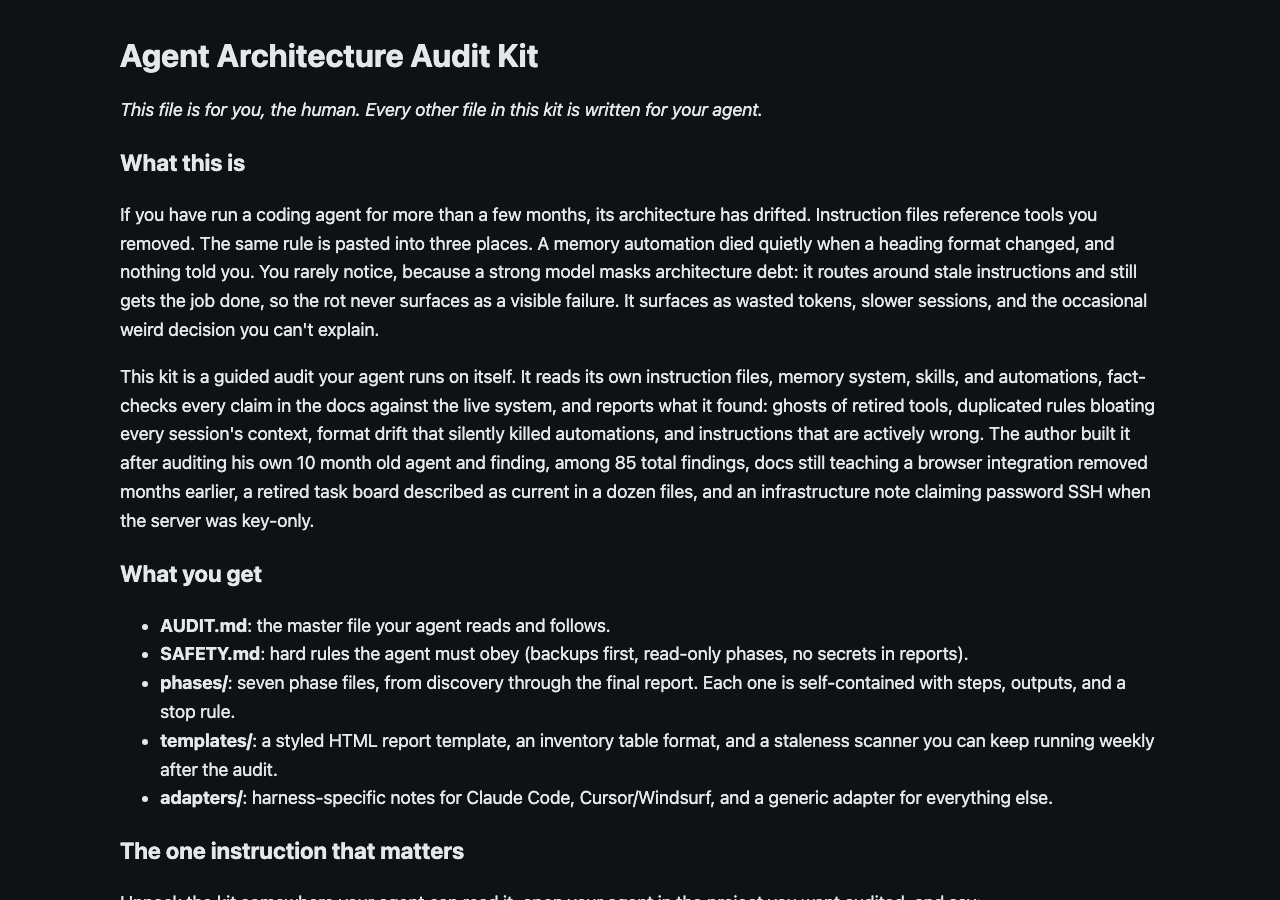
A strong model masks architecture debt: docs claiming things the system stopped doing, references to tools you retired months ago, duplication silently bloating every context window, format drift that disables automations without a single error. Point your own agent (Claude Code, Cursor, Codex CLI, anything that reads files) at one file and it audits itself across 7 phases: discovers its architecture, fact-checks every doc claim against the live system, hunts ghosts and drift, kills duplication, then installs a weekly staleness scanner. You approve each phase, nothing leaves your machine, and you finish with a local HTML report plus a summary of what it found.
Born from a real audit: 85 problems hiding in a 10-month-old agent that felt healthier than ever.
Latest update: 2026-07-22
v1.0 initial release
Best for
- +Anyone running a coding agent for 3+ months who has retired or replaced tools along the way
- +Agent setups that feel fine on a strong model (that feeling is exactly what hides the debt)
- +People who want the audit to stay done: the kit leaves guards behind, not just a clean snapshot
Not for
- -Brand-new agent setups with nothing to drift yet
- -Anyone expecting a one-click tool: your agent does the work and you approve each phase
What you get
Package includes
- •START-HERE.md: the one instruction that matters, plus honest limits and FAQ
- •AUDIT.md: the master file your agent reads and follows, phase by phase
- •SAFETY.md: eight hard rules your agent must obey during the audit
- •phases/00-discovery.md through 06-report.md: the seven-phase protocol
- •adapters/claude-code.md, cursor-windsurf.md, generic.md: harness-specific discovery hints
- •templates/report-template.html: self-contained styled report skeleton
- •templates/staleness-scanner.md: the scanner recipe with full reference implementation
- •templates/inventory-table.md: the architecture inventory format
- •CHANGELOG.md: update history
FAQ
Which agents does it work with?
Any agent that can read files: Claude Code, Cursor, Windsurf, Codex CLI, aider, or a custom loop. Harness adapters cover the common ones; a generic adapter plus a degraded no-shell mode covers the rest.
Does any of my data leave my machine?
No. Your own agent runs everything locally. The report is a local HTML file. The kit makes no network calls.
How long does the audit take?
Typically 60 to 120 minutes of agent time across the 7 phases, with short check-ins where you approve fixes. You can stop after any phase and resume later; the kit writes its state to disk.
What if my agent architecture is unusual?
Phase 00 assumes nothing: the agent discovers whatever exists (instruction files, memory surfaces, scheduled jobs, generated context) and builds the audit around that inventory. The kit was QA tested by an agent running all seven phases against a deliberately broken synthetic setup.
Is this just a prompt?
It is a 17-file protocol: phased instructions with stop rules, safety constraints, harness adapters, a working scanner implementation, and report templates. The value is the method and the guards it leaves behind, not a single clever prompt.