Library
AI Agent Interface Kit
Kit files are in English.
Give your agent a visual interface for tasks, notes and decisions.
Yearly: every kit included. Monthly: one new kit per billing cycle.
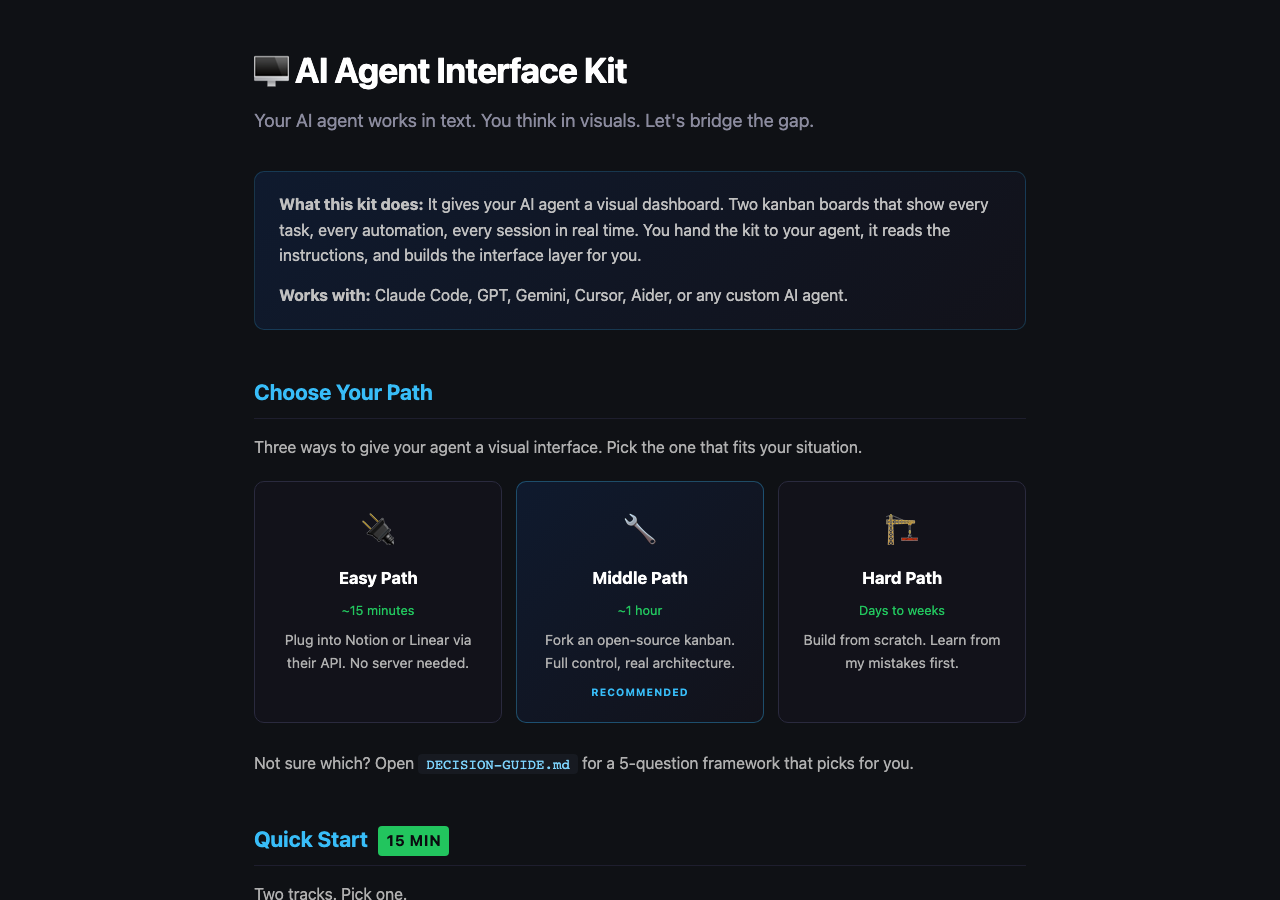 View full-size sample ↗
Access, downloads and refund policy
Yearly: every available kit and bundle, unlimited downloads.
Monthly: one new standalone kit per billing cycle, no bundles. Re-downloads are free and do not use a new claim.
Monthly subscriptions started before February 28, 2026 keep all-access, including bundles and unlimited downloads.
Monthly access currently allows three downloads per kit. Need another? Contact joozio@hey.com.
Download access while subscribed. Keep the files you download.
Already bought this? Your download link still works.
How it works
Give your AI agent a visual dashboard. Hand the kit to your agent and it builds the interface layer. Three paths (Notion, Linear, open-source fork, custom), dispatcher shim, two-board architecture. Works with any AI agent.
Architecture patterns from 54 commits, 21 bug fixes, and a one-day migration across 50+ automation scripts.
Latest update: 2026-05-11
Added notes-app inbox capture pattern and corrected dispatcher/hook paths in the setup docs.
- Added notes-inbox-capture.md
- Added Fizzy integration notes
- Corrected dispatcher and hook paths in setup docs
Best for
- +People running agents across CLI, chat, cron jobs, and webhooks
- +Builders who need visibility without building a whole task product
Not for
- -A polished SaaS dashboard you can use without any setup
What you get
Package includes
- •Comprehensive guide (10 chapters, 10,000+ words): architecture, patterns, migration, rollback
- •AGENT-INSTRUCTIONS.md: self-contained prompt any AI agent can read and execute to build the system
- •setup.sh: interactive bootstrap that configures everything for your chosen backend
- •DECISION-GUIDE.md: 5-question framework to pick the right path for your situation
- •templates/dispatcher-shim/dispatcher.py: reference implementation with abstract backend interface
- •4 backend adapters: Notion API, Linear GraphQL, Fizzy/Rails, Generic REST (with Trello example)
- •templates/hooks/: session-start.sh and session-end.sh for CLI integration
- •templates/automation-runner/: drift-tolerant automation scheduler with lifecycle management
- •notes-inbox-capture.md: fast capture layer before board promotion
- •Board setup configs: column definitions and tag scheme for both Ops and Automations boards
- •Migration checklist: pre/during/post migration steps from real production experience
- •Cheatsheet: single-page quick reference for commands, lifecycles, and common fixes
- •Platform-specific setup guides for Notion and Linear
- •CHANGELOG.md
FAQ
Does this only work with Claude Code?
No. Every template uses generic environment variables (AGENT_BOARD_BACKEND, NOTION_API_KEY, etc.). The AGENT-INSTRUCTIONS.md works with any AI agent that can read markdown and run shell scripts.
Do I need to deploy Fizzy?
No. The kit supports three paths. The easiest is plugging into Notion or Linear via their APIs. You only deploy Fizzy (or another open-source kanban) if you want full control. The DECISION-GUIDE helps you choose.
What if I already use Notion/Linear for tasks?
Perfect. The kit includes backend adapters for both. Run setup.sh, pick your backend, enter your API key, and your agent starts creating cards on your existing board within minutes.
How is this different from the AI Agent Blueprint?
The Blueprint builds the agent itself (memory, skills, identity). This kit builds the visual interface layer on top. They complement each other. The Blueprint is about what the agent knows and does. This is about what you see.
Can I feed this to my AI agent?
Yes. That is the primary use case. AGENT-INSTRUCTIONS.md is a self-contained prompt. Your agent reads it, asks which backend you want, runs setup.sh, and builds the whole interface layer. You watch cards appear on your board.